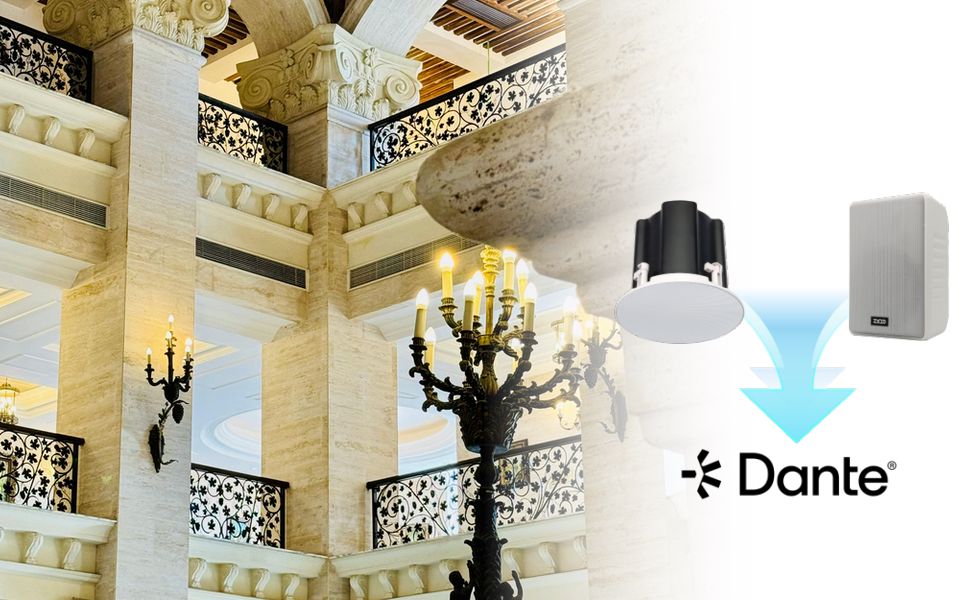
Upgrading an analog PA system to IP doesn't mean tearing out everything you already have. In most buildings, the amplifiers, the wiring, and even the speakers can stay right where they are. What changes is what's driving them.
This guide walks through how to tell if it is time to upgrade your PA system, the three practical paths to moving to IP, and how to plan the transition so it doesn't become a bigger project than it needs to be.
Signs Your Analog PA System Needs an IP Upgrade
Not every analog PA system needs to change. If it's covering a stable footprint, doing one job, and nobody's asking it to do more, there's no real reason to touch it. The signs below indicate that the system has started working against the people who rely on it and may need an upgrade.
No Replacement Parts for the Amplifier
Once a manufacturer stops producing parts for an amplifier model, every repair becomes a gamble. Technicians start swapping in components that are close enough rather than the correct ones, and each fix buys less time than the last. When a full outage starts to feel like a matter of when rather than if, that's the amplifier telling you it's done.
Changing a Zone Means Rewiring It
Analog systems support zone paging, but the zones are fixed at installation, wired in from day one through selector switches or a paging console. The problem shows up when a department moves, a wing gets repurposed, or a new area needs its own paging group, and the fix is running new cable and rewiring a panel instead of updating a setting.
System Integrations Take Extra Work
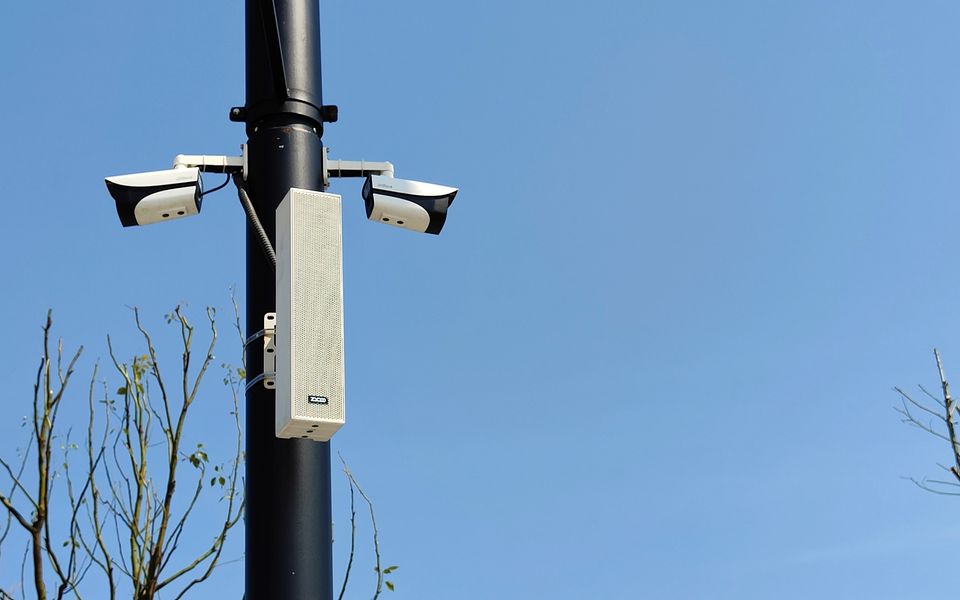
Most commercial analog systems already have a few outside connections: a dry contact relay tied to the fire alarm panel, maybe an adapter linked to the phone system. Each one is wired to do exactly one job, so adding a new trigger source or rerouting an alert to a different zone means opening the panel and rewiring it again. That rigidity matters more today, now that facility security requires more, like having a camera event trigger a page to the same zone, which isn't something analog wiring was built to handle without an extra layer on top.

Troubleshooting Consumes Growing Labor Hours
When a line goes dead, someone has to physically trace the cable, test connections zone by zone, and rule out possibilities one by one. There's no dashboard showing which speaker dropped or which amplifier channel failed. As the system ages, this kind of troubleshooting eats into hours that IT or facilities staff could spend on almost anything else.
What Actually Changes When Move to IP
- Control moves from hardware to software. Instead of being locked into a rack of amplifiers and physical selector switches, zone configuration, volume, and scheduling all live in an interface. Reconfiguring a zone becomes a software change, not a wiring job.
- Audio becomes network traffic. Announcements travel as IP packets over the same LAN that already carries your data, instead of running over dedicated 70V or 100V lines.Once audio is just another kind of network traffic, everything else about managing it can change too.
- Management becomes centralized. One platform shows zone status and device health across the whole system, rather than requiring someone to check each rack in person. A speaker that drops offline shows up immediately instead of being discovered the next time someone happens to page that zone.
For the full technical comparison between how analog and IP speakers actually operate, ZYCOO's guide on IP speakers vs. analog speakers covers the architecture in more depth.
Three Ways to Upgrade an Analog PA System to IP
There isn't just one way to make this move. The right approach depends on what's actually failing in your system, how much of your existing infrastructure is worth keeping, and how much disruption your facility can absorb at once. These are three distinct paths, and most projects end up combining more than one.
Full Replacement with Native IP Speakers
A full replacement makes sense in a narrower set of situations than people usually assume: a gut renovation where walls are already open anyway, wiring that's genuinely at the end of its life with failed insulation, or a zone requirement that the existing amplifier topology simply can't support, no matter what you bridge onto it. Outside of those conditions, replacement is rarely the fastest or cheapest way to get to IP.
What it buys you is a clean slate. Every endpoint is a native IP device from day one, with no bridging layer in between. What it costs is upfront: more disruption during installation and a bigger capital outlay than the alternatives below.
Hybrid Migration via IP Paging Gateway
This is where most analog-to-IP upgrades actually happen, and it's the path that doesn't require touching a single speaker or running new cable. A device like ZYCOO's X10 SIP paging gateway connects to your existing analog amplifier zone and converts SIP audio streams into the analog output that those speakers already expect. On the network side, the gateway registers as a standard SIP endpoint, which means it can be paged, scheduled, and monitored through the same management platform as any native IP speaker.
In practice, that means an analog zone that's been running the same way for fifteen years can join an IP-managed system without an installer ever going near the speaker wiring. It shows up in ZYCOO's IP Audio Center as a manageable zone alongside every native IP endpoint. The 70V or 100V line stays exactly as it was. Only what's feeding it changes.

IP Amplifier Retrofit
Sometimes the amplifier is the actual failure point while the speakers and wiring are fine. In that case, replacing just the amplifier with a network power amplifier keeps the analog speaker layer intact but brings the amplifier itself onto the network, giving you IP-level control at the amplifier stage without touching anything downstream of it. This middle path suits facilities where the amplifier rack is aging out but the physical speaker infrastructure still has years of useful life left.
Choosing the Right Upgrade Path for Your Facility
The decision usually comes down to four practical factors rather than a single right answer. Budget cycle matters as much as technical fit. A gateway-based hybrid approach spreads cost across a smaller upfront investment, while a full replacement concentrates spend into one capital project, which some organizations prefer for accounting reasons and others actively avoid.
- How critical zone-level control is right now should weigh heavily. If your biggest pain point is that a single incident requires paging the entire building, that's solved the moment analog zones get bridged onto a network-managed platform. It doesn't require replacing anything.
- Integration needs point toward which path gets you there fastest. If SIP paging from existing phones, or a tie-in to your camera system, is the actual goal, bridging existing zones through a gateway delivers that without waiting on a larger project. The one exception is wiring that's already failing. No amount of bridging fixes compromised copper, and in that case, full replacement is the more durable choice.
- Timeline tolerance for disruption is often the deciding factor in practice. A hospital wing or a production floor that can't go quiet for a weekend points strongly toward a gateway-based approach, where the existing system keeps running while the network layer gets added.
Planning an Analog-to-IP Migration: A Step-by-Step Process
Audit What You Have
Start with a real inventory: how many amplifiers, how many zones, and what condition the cabling is actually in. This step determines almost everything that follows, and skipping it is the most common reason migration projects run into surprises mid-installation.
Prioritize Zones
Not every zone needs to move at the same time. Areas where disruption is most costly, or where zone-level control matters most operationally, are the ones worth addressing first. Lower-priority zones can stay on a bridged connection for as long as makes sense.
Check Network Readiness
Before any hardware goes in, confirm the network can actually support it. That means checking PoE budget on your switches and planning VLAN segmentation for audio traffic, so paging doesn't compete with other network activity or introduce latency during an announcement.
Sequence the Rollout
The goal is to keep operations running throughout, not to protect the hardware budget. Sequencing by zone lets each area transition without taking the whole building's paging offline, and it gives IT staff room to catch configuration issues in one zone before they show up everywhere at once.
Pick a Management Platform
Whatever mix of bridged and native zones you end up with, they need one place to be managed from. ZYCOO's IP Audio Center handles that role, giving zone control, scheduling, and device status in a single interface regardless of whether a given endpoint is a native IP speaker or an analog zone connected through a gateway.
What You Gain After the Upgrade
Once analog zones are bridged onto the network, a handful of capabilities become available that simply weren't possible on the old wired system.
Paging can be triggered from a SIP phone instead of requiring a dedicated microphone console. Scheduled broadcasts run automatically instead of depending on someone remembering to start them manually. Zone status and volume can be adjusted remotely, without a technician physically present at the rack. And where multiple zones need the same announcement at once, multicast delivery sends it to all of them simultaneously without the added network load of separate streams for each one.
None of this requires replacing speakers that are already doing their job. It's a function of what's now managing them.
Conclusion
The real decision isn't whether to upgrade or leave things alone. It's choosing the path that fits the zones, the budget, and the timeline you're actually working with. For a lot of facilities, that means bridging what's still working and reserving full replacement for the areas where it's genuinely warranted. If you're working through what that looks like for a specific building, ZYCOO's team can help map the right combination of gateway, amplifier, and speaker upgrades to your existing infrastructure.
FAQs About Upgrading Analog PA to IP
Q1. How much does it typically cost to upgrade an analog PA system to IP?
It depends heavily on which path you take. A gateway-based hybrid migration is generally the lowest upfront cost option since it reuses existing amplifiers, speakers, and wiring. A full replacement carries the highest upfront cost but eliminates the bridging layer entirely. Most facilities land somewhere in between, moving high-priority zones to native IP speakers while bridging the rest.
Q2. How long does an analog-to-IP upgrade take?
A gateway-based migration for a single zone is typically a matter of hours, since it's a device swap at the amplifier rather than a wiring project. A full replacement scales with the size of the building and the number of zones involved and is usually planned in phases over weeks or months rather than done in one pass. Realistically, the timeline is driven more by how many are involved and going to native IP speakers than by the upgrade itself.
Q3. Will the upgrade disrupt normal operations?
A gateway-based approach is designed specifically to avoid disruption. The existing analog zone keeps running throughout installation, and the gateway simply changes what's feeding it. A full replacement is more disruptive by nature, since it involves physical installation work in the space itself.
Q4. Do I need to rewire my building to move to IP?
Not if you're bridging existing zones through a gateway. The 70V or 100V wiring stays in place and continues carrying audio exactly as it did before. Rewiring only becomes necessary if you're deploying native IP speakers into areas that don't currently have network cabling.
Q5. What's the difference between using a gateway and replacing the amplifier?
A gateway sits between the network and your existing amplifier, converting SIP audio into the analog signal your amplifier already expects, so the amplifier itself doesn't change. A network power amplifier replacement puts IP control directly at the amplifier stage. The right choice usually depends on whether the amplifier itself is the part that's failing.