Education
Creating Safer Learning Environments with Smart Innovations

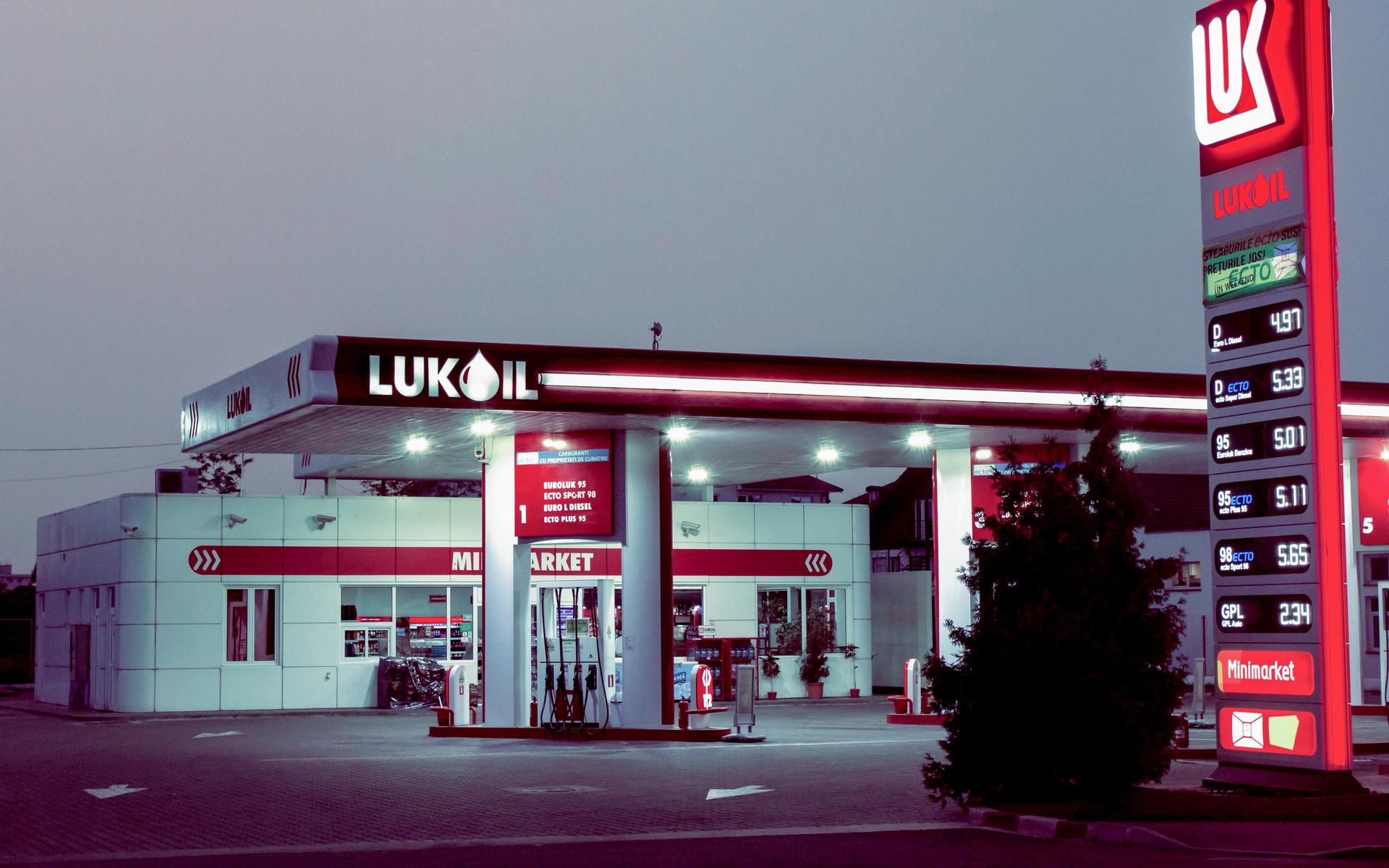
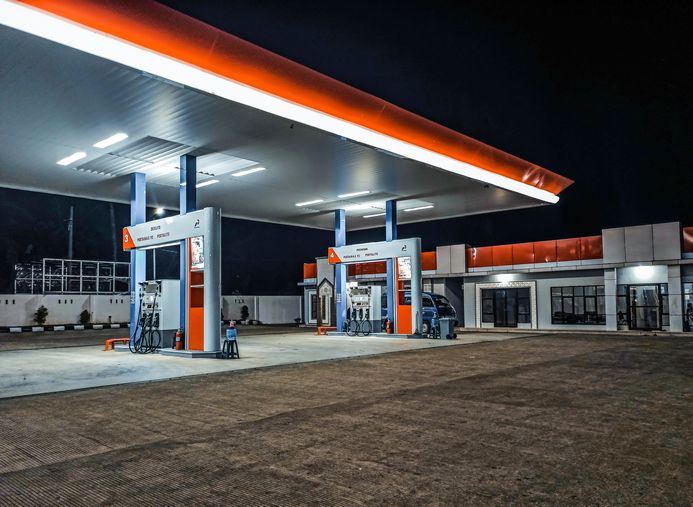
Deploying an emergency intercom and public address system at petrol stations is crucial for ensuring safety, improving operational efficiency, and enhancing the customer experience. These systems enable a rapid response in emergencies, safeguarding both personnel and property. Moreover, in many states, regulations mandate the installation of emergency intercoms at fuel pumps.
ZYCOO offers a comprehensive solution that includes intercom and public address features for petrol & fuel stations. Our solution integrates daily promotional broadcasts, customer assistance services, and emergency evacuation guidance into a single system. It can also work in conjunction with IP cameras or be integrated into video management systems, empowering petrol stations to manage both daily operations and emergencies efficiently.
With ZYCOO's Unified IP Audio Solution, you can efficiently, flexibly, and easily meet the following application needs in petrol stations:








ZYCOO's Unified IP communication solution for petrol stations combines safety and efficient operations, creating a smarter, more reliable service environment for both staff and customers.
At petrol stations, our solution prioritizes convenience and functionality. Speakers, intercoms, and other SIP endpoint devices can be easily installed using PoE cables.
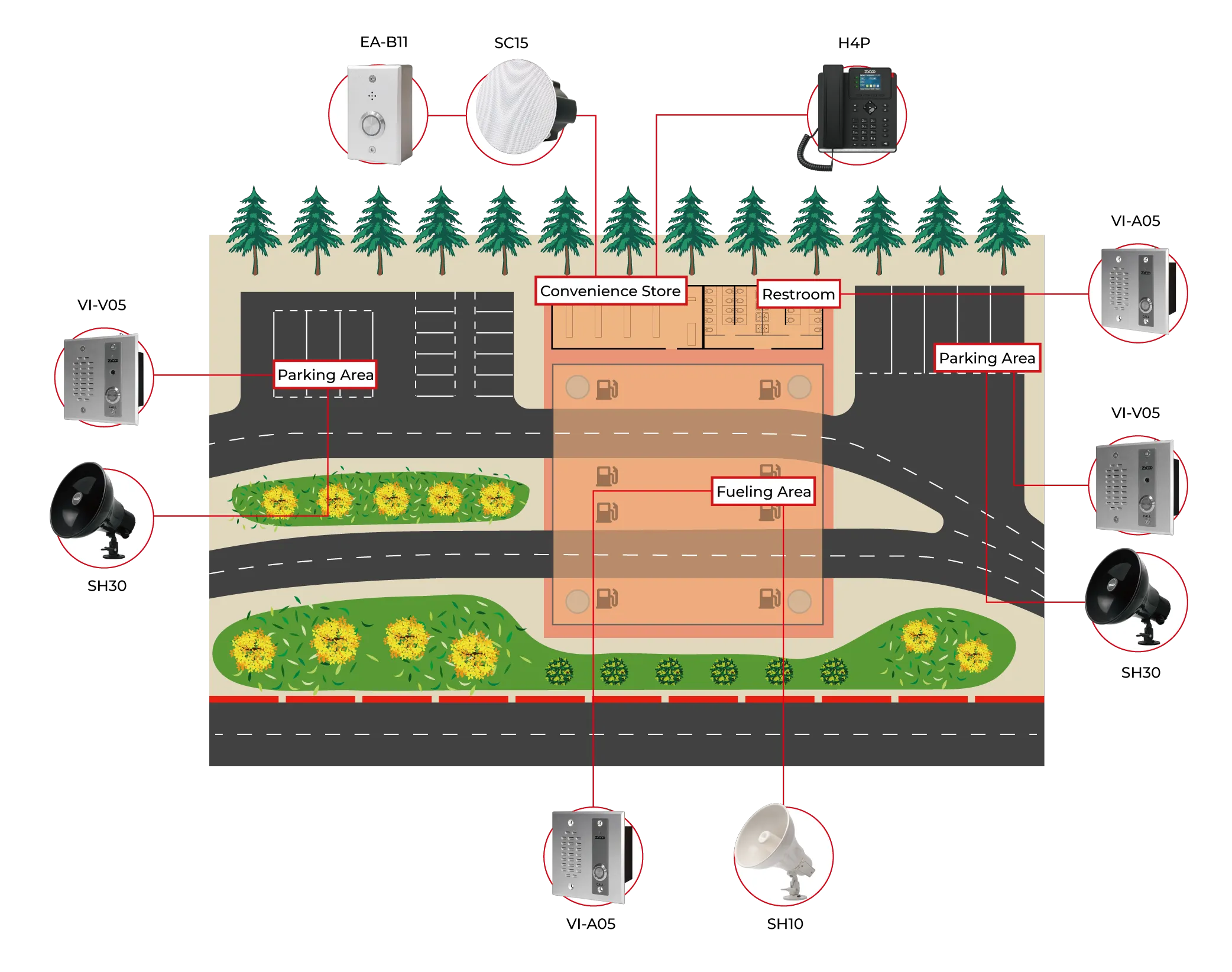
Our all-weather outdoor speakers and intercoms extend beyond indoor areas and are placed in key outdoor locations such as fueling and parking areas. This ensures safety and efficient communication across all regions, unaffected by harsh weather conditions.

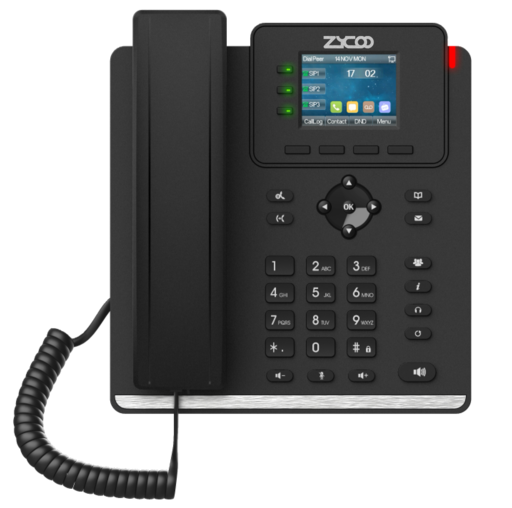
SIP Phone pairs seamlessly with M100 or IP Audio Dispatch Console to manage forecourt calls, coordinate staff, and handle fueling-area incidents with clear audio and efficient multi-line communication.
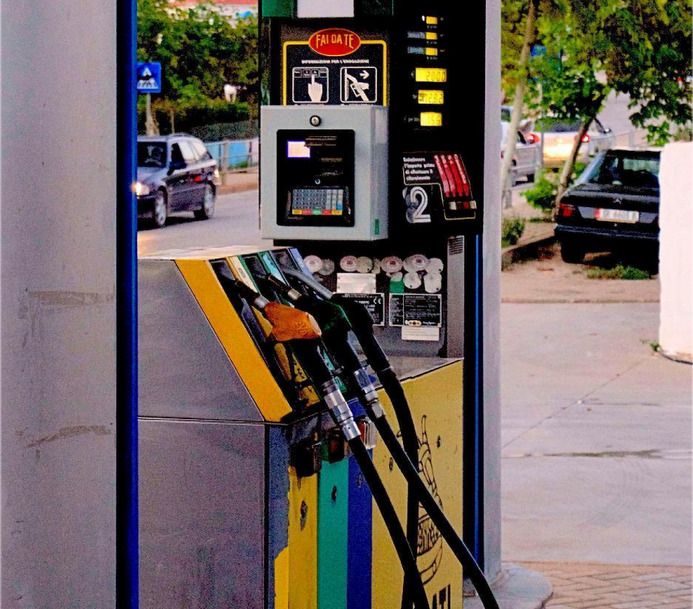
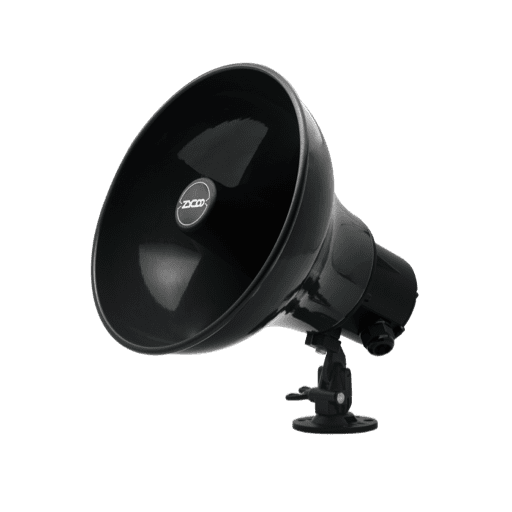
Deploying ZYCOO outdoor network speakers, such as the SL30, SH10, and SH30, ensures effective safety reminders to avoid cell phone use and turn off vehicles. In emergencies like fires or fuel leaks, these speakers provide clear evacuation instructions.
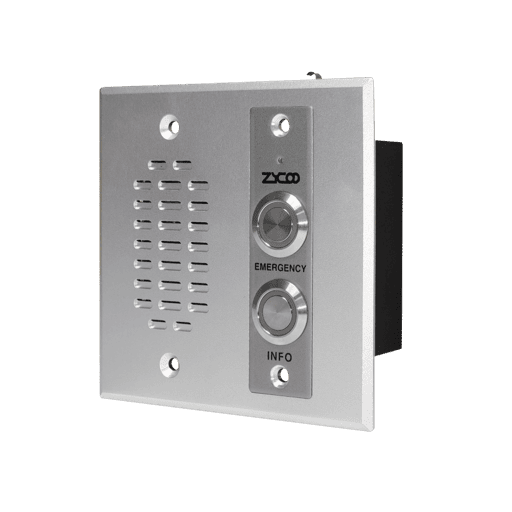
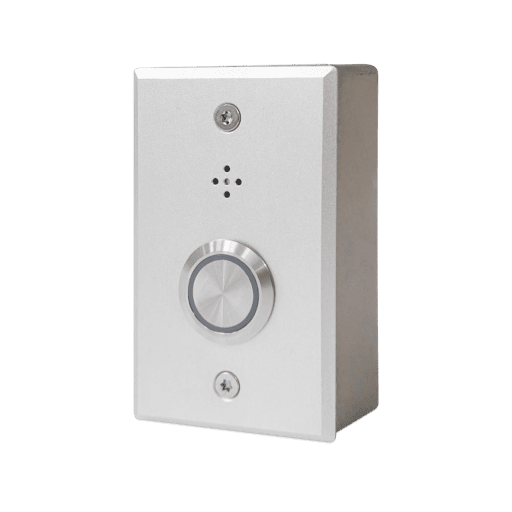
Deploying VI Series intercoms at fuel pumps or at visible locations enables customers to contact staff for assistance with fueling issues quickly.
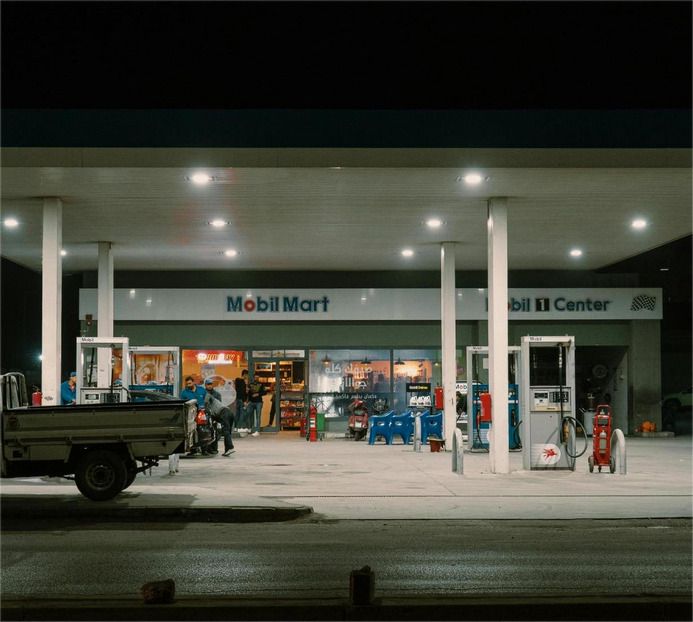
Installing ZYCOO indoor ceiling or wall-mounted speakers, like SC10, SC15, SQ10, and SW15, enables clear announcements of promotions, product releases, and customer service reminders, as well as background music to enhance the shopping experience.
When connected to the EA-B11 call button, these speakers support two-way communication, allowing staff to assist customers in other areas timely.
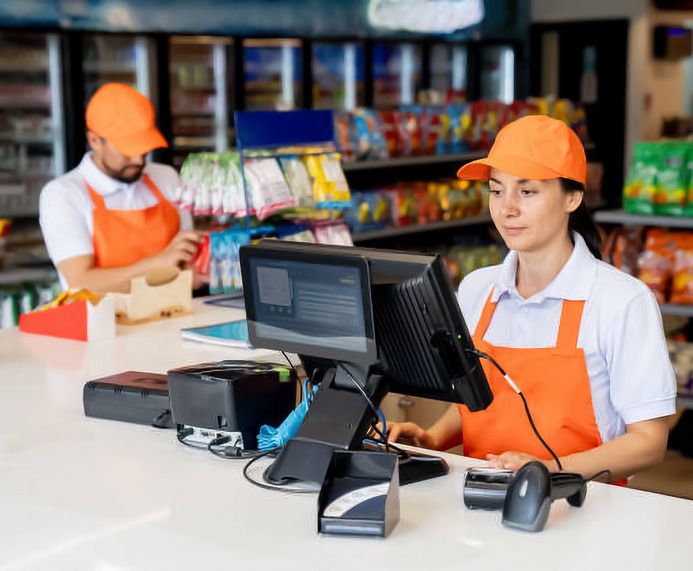
In the cashier and office area, staff can use the IP Audio Dispatch Console software to manage endpoint devices for zone paging, intercom communication, live video monitoring, and sending emergency evacuation alerts.
The H4P phone serves as the master phone for the Dispatch Console, making calls, paging, and announcements.
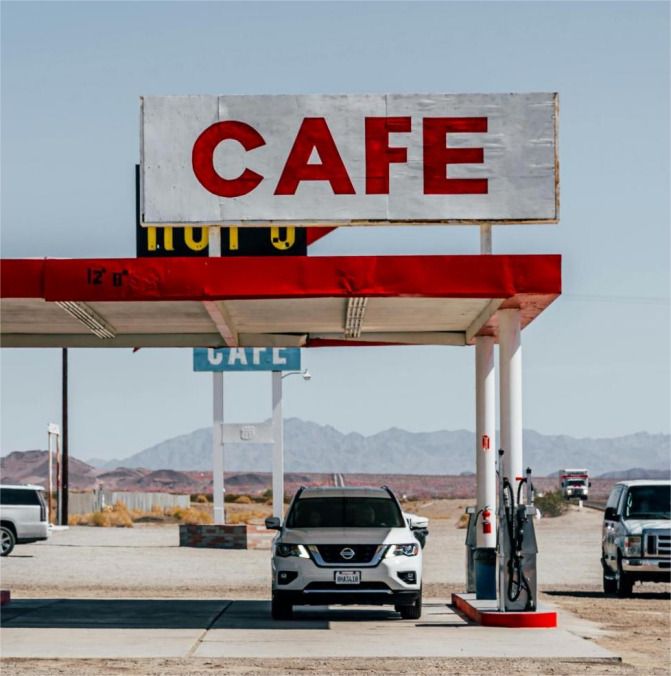
Deploying ZYCOO outdoor network speakers, such as SL30, SH10, and SH30, is ideal for parking lot paging, announcements, audio playback, and emergency alarms.
Additionally, VI Series safety intercoms at parking entrances and exits ensure fast, clear communication, addressing issues like customer confusion, security concerns, and emergencies—all while withstanding harsh weather conditions.
ZYCOO's IP audio communication solution offers centralized management across fueling areas, stores, and service zones. The IP Audio Center coordinates all endpoint devices, while desktop or mobile software enables live paging, announcements, and alerts. Each endpoint has its own GUI interface for quick configuration and monitoring.
The system supports SIP trunk, inbound routing, IVR navigation, and also works in multicast or peer-to-peer (P2P) mode for seamless communication between staff, cashiers, and safety teams.
For smaller petrol stations, ZYCOO provides a serverless communication option using the M100 Microphone Console. It supports individual/group announcements, background music, and automated event scheduling for promotional or safety messages.
With built-in 32GB storage for WAV/MP3 file playback, it ensures stable, low-maintenance operation—ideal for single-site petrol stations.
ZYCOO's solution enables independent zone control, allowing staff to manage announcements by specific area. Promotional messages can play in the convenience store, while voice paging or safety instructions can target fueling bays or parking zones.
This flexible control improves efficiency, customer experience, and workplace safety.
ZYCOO endpoints seamlessly integrate with gas detectors, fire sensors, and alarm systems, providing rapid emergency alerts at petrol stations. In the event of gas leaks, fires, or other hazards, the devices automatically trigger clear voice alarms and guide staff and customers to safety.
This automated alert and paging system enhances on-site communication and ensures fast, coordinated response in high-risk environments like petrol stations.
Talk to our team or download the full solution guide to get started.